How to Track ChatGPT and AI Assistant Traffic in GA4
A ten minute setup that separates ChatGPT, Perplexity, Gemini, Copilot and Claude visits in Google Analytics 4, plus the AI traffic GA4 cannot see and how to report on it.
Read the guideA simple, repeatable method to see whether ChatGPT, Gemini, Perplexity and Google AI answers name your business, which pages they cite and what to fix when they do not.
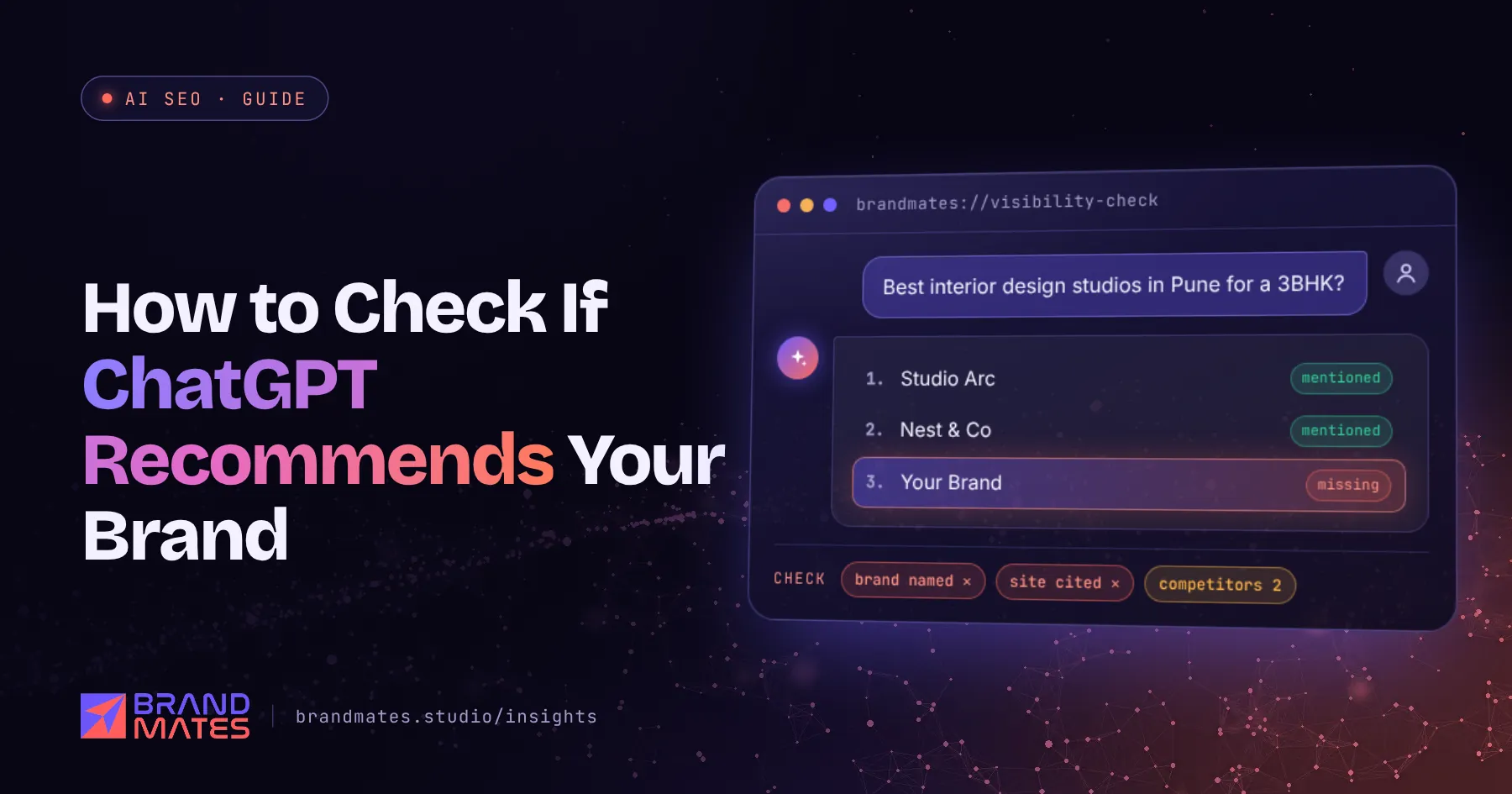
Your buyers are already asking ChatGPT which company to hire, which product to buy and what a fair price looks like. The answer names a few brands. Most business owners have no idea whether theirs is one of them.
This guide shows you how to check if ChatGPT recommends your brand, along with Gemini, Perplexity, Microsoft Copilot and Google's AI answers, using a method you can repeat every month in under an hour. It is the first step of the framework in our complete AI SEO guide, because you cannot improve what you have not measured.
AI visibility is easy to assume and hard to see. A brand can rank on page one of Google and still be left out of AI answers, or be named with outdated services, the wrong city or a competitor's pricing.
A baseline check tells you three things:
That baseline also lets you prove later whether your AI SEO work is paying off.
For every answer, record the same five things. Consistency matters more than precision.
| Signal | What to record | Why it matters |
|---|---|---|
| Mention | Is your brand named? Yes or no | The basic measure of visibility |
| Citation | Is one of your pages linked as a source? Which one? | Shows which content the assistant trusts |
| Position | Where you appear in the list: first, third, last | Buyers shortlist from the top of the answer |
| Accuracy | Are your services, locations and prices described correctly? | Wrong facts point to inconsistent entity data |
| Competitors | Which other brands are named and cited | Shows who you need to outperform |
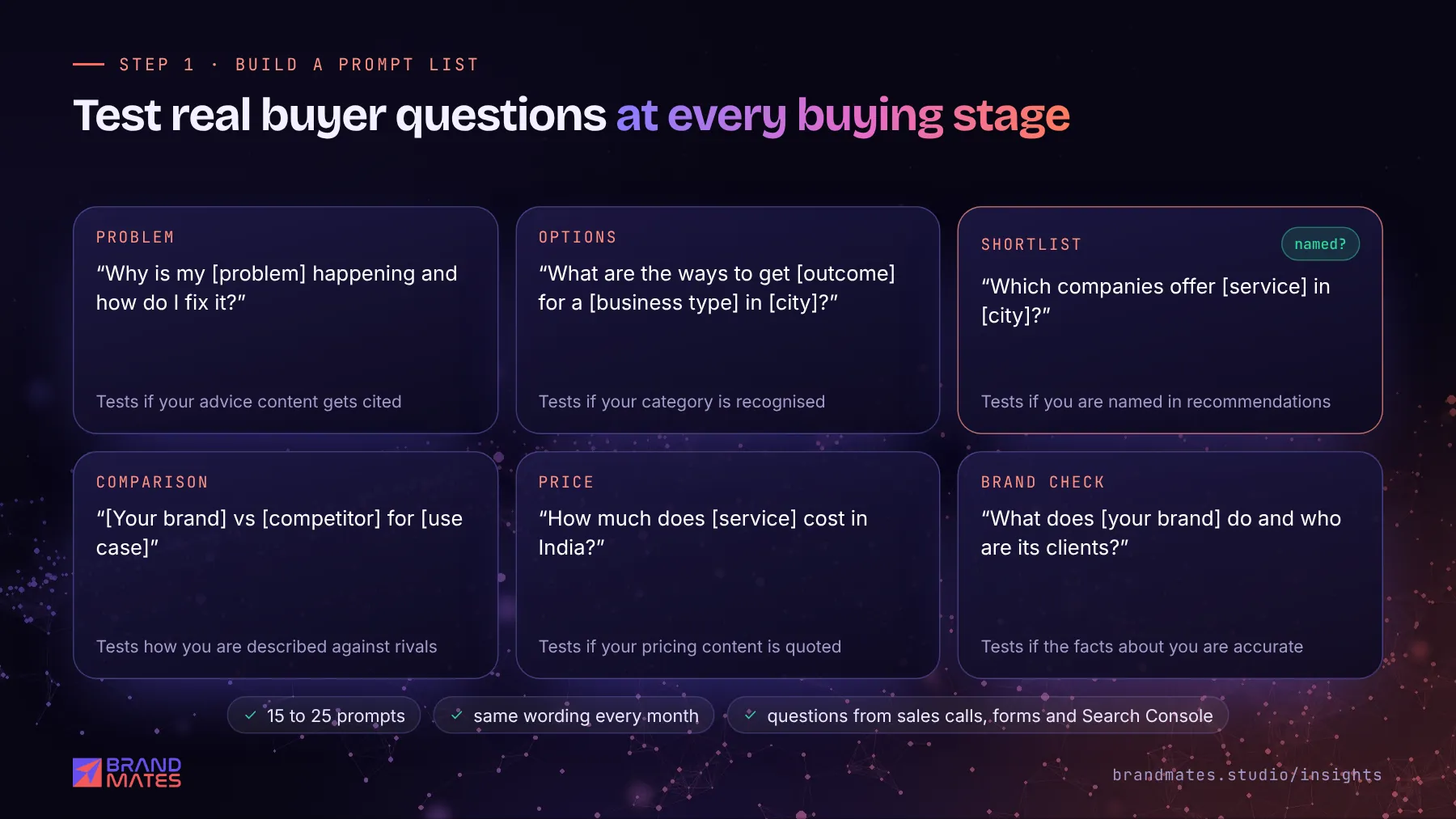
Do not test vague prompts like "top agency". Test the questions your buyers actually type, with the context they add: location, budget, use case and timeline.
Pull questions from sales calls, enquiry forms, WhatsApp chats, reviews and the queries in Google Search Console. Then sort them by buying stage.
| Buyer stage | Example prompt pattern | What it tests |
|---|---|---|
| Problem | "Why is my [problem] happening and how do I fix it?" | Whether your advice content gets cited |
| Options | "What are the ways to get [outcome] for a [business type] in [city]?" | Whether your category and service are recognised |
| Shortlist | "Which companies offer [service] in [city]?" | Whether you are named in recommendations |
| Comparison | "[Your brand] vs [competitor] for [use case]" | How you are described against rivals |
| Price | "How much does [service] cost in India?" | Whether your pricing content is quoted |
| Brand check | "What does [your brand] do and who are its clients?" | Whether the facts about you are accurate |
Aim for 15 to 25 prompts. Fewer than that gives a patchy picture; far more becomes hard to repeat every month. Save the list so the exact same wording is used each time.
AI assistants personalise answers based on your history, saved memory, location and account. If you test from the account you use every day, you may see your own brand because the assistant already knows you care about it.
To get answers closer to what a new buyer sees:
Different assistants retrieve from different sources, so a brand can be visible in one and missing in another. Test all of the main ones.
| Assistant | How to test | Shows sources? |
|---|---|---|
| ChatGPT | Run with search enabled so it looks at current web pages | Yes, when it searches the web |
| Google Gemini | Run in the Gemini app or on the web | Sometimes, with links to supporting pages |
| Perplexity | Run in the default search mode | Yes, sources are listed with every answer |
| Microsoft Copilot | Run in Copilot on the web | Yes, usually with linked citations |
| Google AI Overviews | Search the prompt as a normal Google query | Yes, with linked source cards |
| Google AI Mode | Use the AI Mode tab in Google Search | Yes, with linked sources |
Perplexity is especially useful for diagnosis because it always shows where its answer came from. If a competitor is cited there and you are not, open the cited page and compare it with yours: it usually answers the question more directly, with more specific facts. Our guide on how to get your brand cited by Perplexity covers what to change.
Want to know if ChatGPT recommends you?We test your buyer questions across ChatGPT, Gemini, Perplexity and AI Overviews, then show you exactly what to fix.
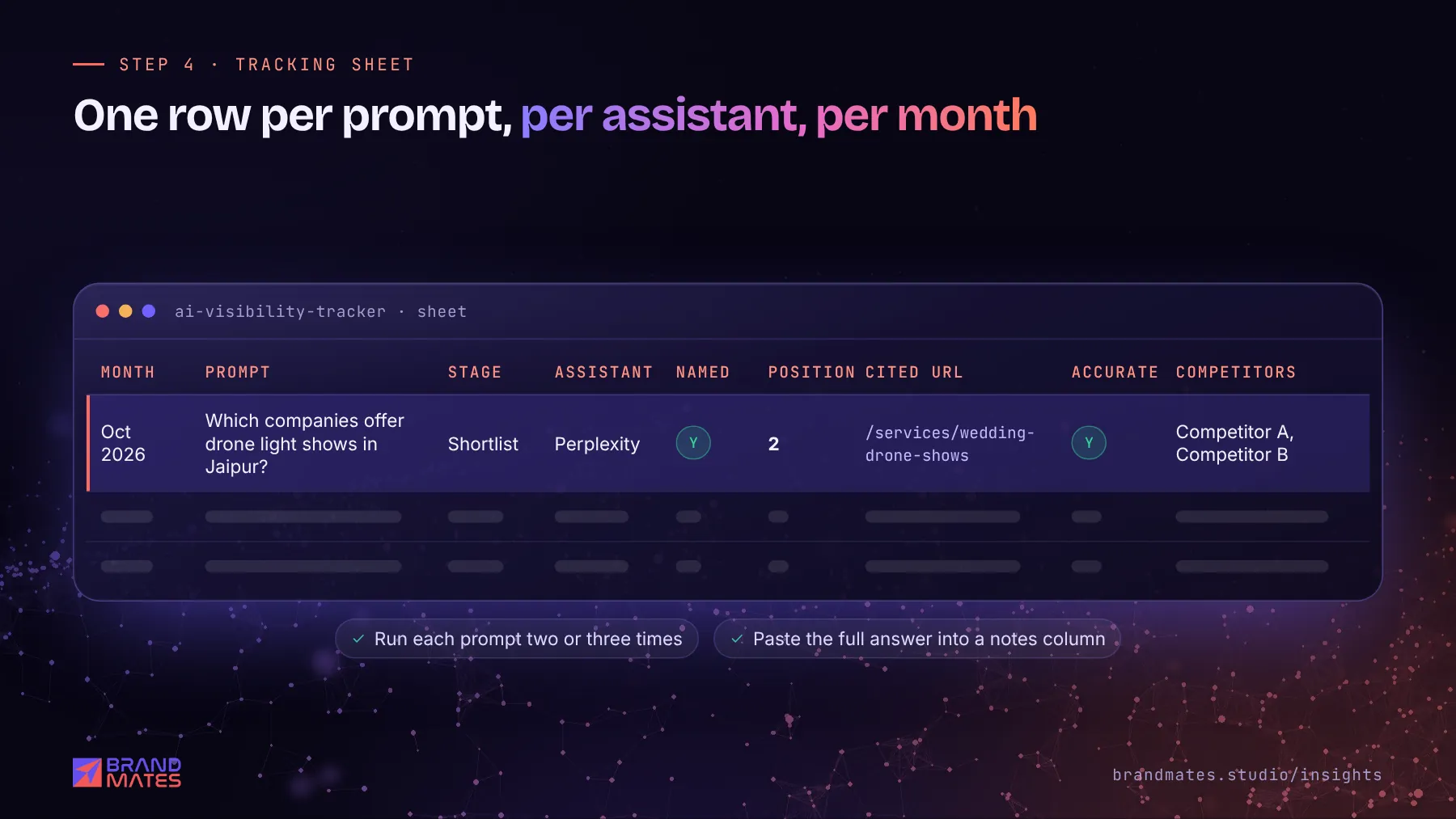
A simple spreadsheet is enough. Use one row per prompt, per assistant, per month.
Month | Prompt | Stage | Assistant | Mentioned (Y/N) | Position | Cited URL | Description accurate (Y/N) | Competitors named | NotesA completed row might read: October 2026, "Which companies offer drone light shows in Jaipur?", Shortlist, Perplexity, Y, 2, /services/wedding-drone-shows, Y, Competitor A and Competitor B, cited the wedding page not the homepage.
Two habits make the sheet far more useful:
One check is a snapshot. The value comes from repeating the same prompt set every month and watching the trend.
Calculate a simple score: the share of prompts where you were mentioned, per assistant. Track it alongside AI referral visits, which we explain in our guide on how to track ChatGPT and AI assistant traffic in GA4. Manual checks show what assistants say; analytics shows whether those answers send buyers to you.
Paid AI visibility tools can automate prompt testing at larger scale, and they are useful for brands tracking hundreds of prompts. For most small and medium businesses, a well chosen manual list gives a clearer picture than a dashboard nobody reads.
Your tracking sheet will usually point to one of these situations.
| What you see | Likely cause | What to fix |
|---|---|---|
| Not mentioned anywhere | Weak authority and few third party mentions | Earn mentions on trusted sites; see our link building guide |
| Mentioned with wrong details | Inconsistent information across the web | Align your name, services and contact details everywhere; see entity SEO |
| Competitors' pages cited, not yours | Their pages answer the question more directly | Rewrite key pages with clear, specific answers; see how to write content AI assistants quote |
| You rank in Google but are never cited | Crawler access, rendering or structure problems | Check robots.txt for AI crawlers and add schema markup for AI search |
| Visible in Perplexity, missing in ChatGPT | Different indexes and sources | Check that OAI-SearchBot is allowed and your pages are indexed in Bing |
If the problem looks technical, start with our technical SEO checklist. AI visibility is built on the same crawlable, indexable foundation as Google rankings.
When we began working with a drone light show company, its buyers searched by occasion and city, and the brand was close to invisible for those questions. After keyword research by occasion and location, service page rewrites, structured data, event content and more than 45 quality backlinks, organic traffic grew 320% over six months. In one recent month, AI assistants sent 23 visitors to the site, from zero before the work began. Read the drone light show SEO case study.
The monthly prompt checks were how we saw the change coming before it showed up in analytics.
If you would rather have specialists run this for you, we offer a free SEO and AI visibility audit. We test your buyer questions across ChatGPT, Gemini, Perplexity, Copilot and Google's AI answers, show who is named instead of you and give you a prioritised list of fixes. You can also see what our AI SEO services include.
Ask ChatGPT, with web search enabled and in a clean session, the questions your buyers ask, such as "which companies offer [service] in [city]". Record whether your brand is named, where it appears and which page is cited. Repeat the same prompts every month to see the trend.
AI assistants generate each answer fresh, and the sources they retrieve can change between runs. Personalisation, location and memory also affect results. That is why each prompt should be run two or three times and tested in logged out or temporary sessions.
At minimum, check ChatGPT, Google Gemini, Perplexity, Microsoft Copilot and Google's AI Overviews and AI Mode. They use different sources, so a brand can appear in one and be missing in another.
Between 15 and 25 prompts covers most small and medium businesses well. Include questions from every buying stage, from the first problem a buyer has to direct comparisons and price questions.
Wrong descriptions usually come from inconsistent or outdated information online. Update your website, Google Business Profile, directory listings and social profiles so they all match, add Organization schema with links to your official profiles, and correct old listings that carry outdated details.
A ten minute setup that separates ChatGPT, Perplexity, Gemini, Copilot and Claude visits in Google Analytics 4, plus the AI traffic GA4 cannot see and how to report on it.
Read the guide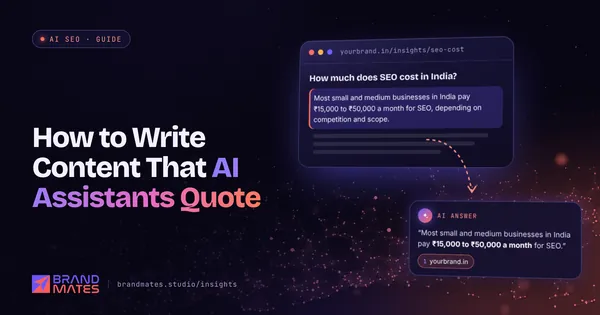
The structure, formatting and writing habits that make a page easy for ChatGPT, Gemini and Perplexity to extract, quote and cite, with a before and after rewrite.
Read the guide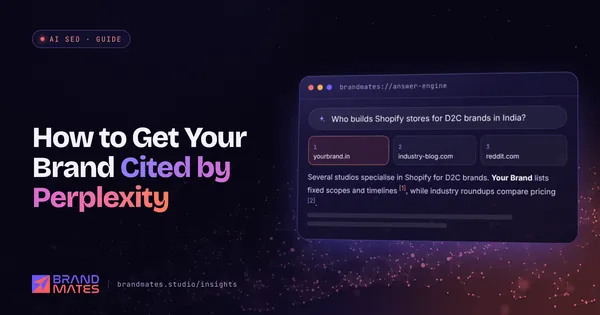
How Perplexity retrieves and cites sources, the two crawlers you need to allow, and a step by step plan to get your brand named and linked in its answers.
Read the guideTell us where your brand needs to go. We'll come back with a free audit, a plan and a realistic timeline, usually within two working days.