How to Check If ChatGPT Recommends Your Brand
A simple, repeatable method to see whether ChatGPT, Gemini, Perplexity and Google AI answers name your business, which pages they cite and what to fix when they do not.
Read the guideA ten minute setup that separates ChatGPT, Perplexity, Gemini, Copilot and Claude visits in Google Analytics 4, plus the AI traffic GA4 cannot see and how to report on it.
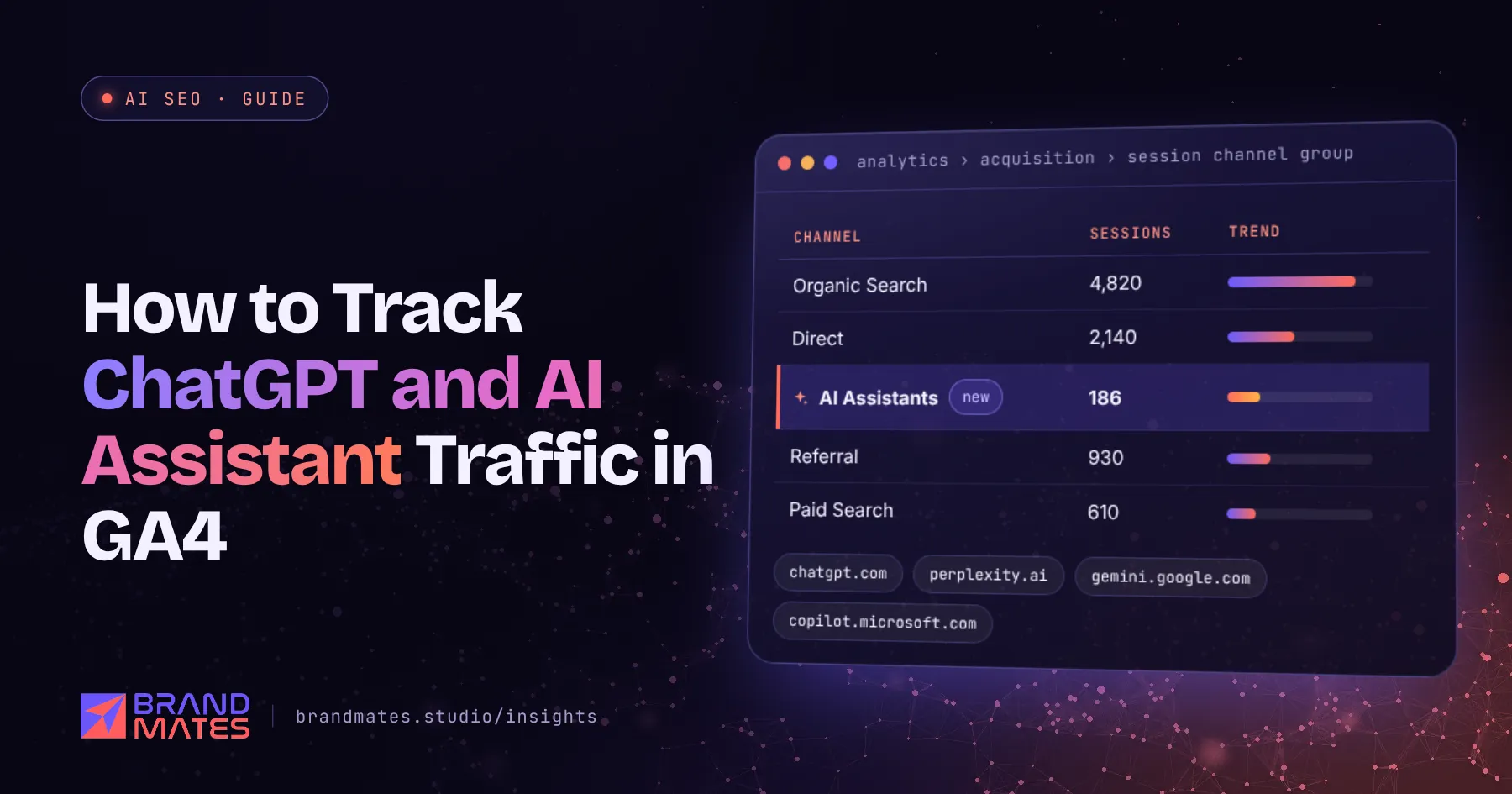
Most businesses already get some visits from ChatGPT, Perplexity, Gemini and Copilot. Very few can see them, because Google Analytics 4 mixes them in with every other referring website.
This guide shows you how to track AI traffic in GA4 with a custom channel that takes about ten minutes to set up, a ready regex you can paste in, an exploration report for deeper analysis and the limits you need to understand before you report the numbers. It supports the measurement step in our complete AI SEO guide.
When someone clicks a link inside an AI answer, their browser usually passes the assistant's domain as the referrer. GA4 records that domain as the session source and, by default, puts the visit in the Referral channel alongside every other website that links to you.
These are the source values you are most likely to see:
| Assistant | Source value in GA4 |
|---|---|
| ChatGPT | chatgpt.com, older visits as chat.openai.com |
| Perplexity | perplexity.ai or www.perplexity.ai |
| Google Gemini | gemini.google.com |
| Microsoft Copilot | copilot.microsoft.com |
| Claude | claude.ai |
ChatGPT also adds utm_source=chatgpt.com to many of the links it shows. Those visits can appear with a source of chatgpt.com and a medium of (none) or (not set) rather than referral, which is why the setup below matches on source only.
Before building anything, see what is already there.
chatgpt in the search box above the table, then repeat for perplexity, gemini, copilot and claude.If any rows appear, you already have AI traffic worth tracking. Note any AI sources not on the list above; you will add them to the regex.
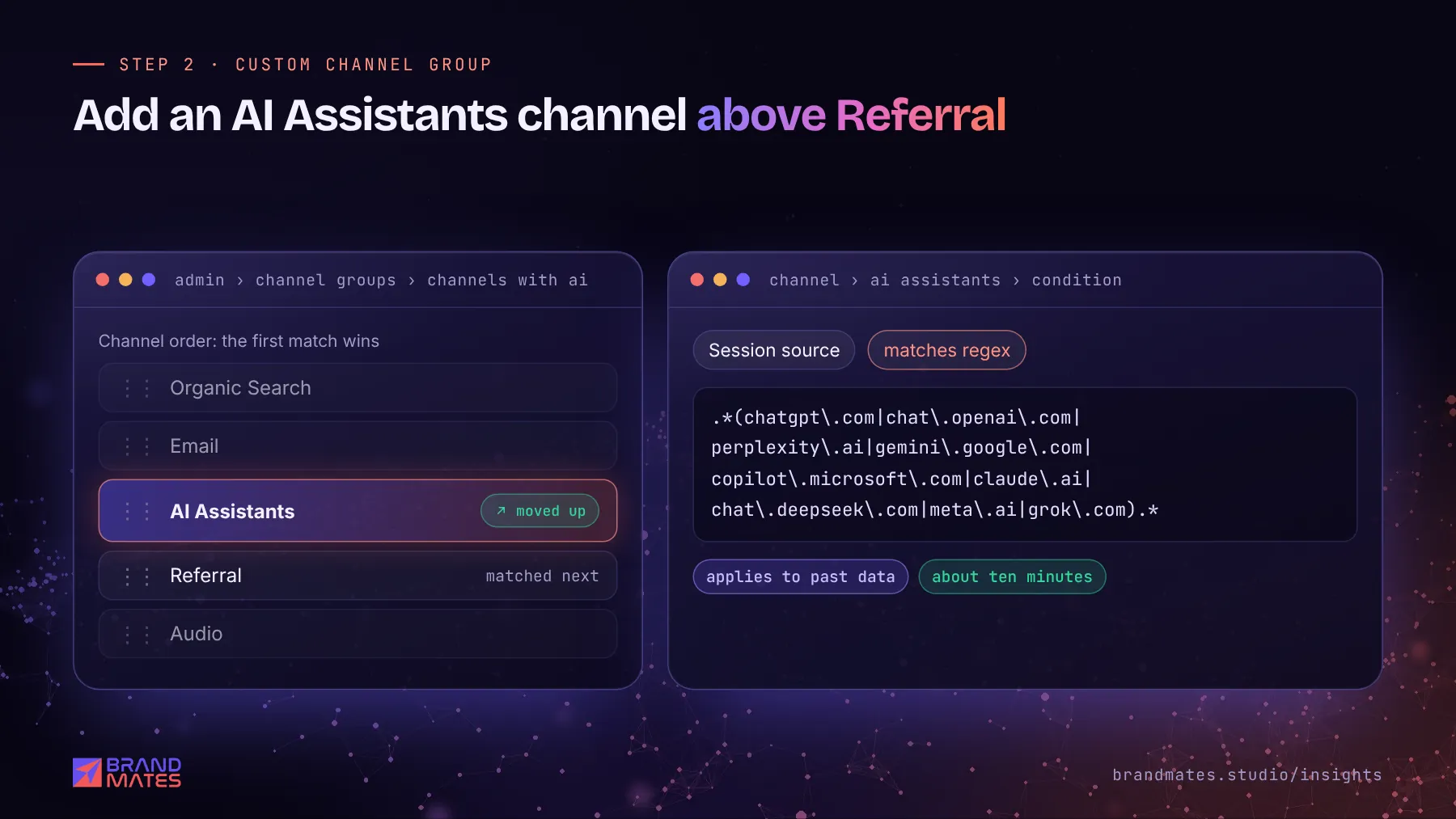
A custom channel group gives AI visits their own line in every acquisition report.
Here is the regex:
.*(chatgpt\.com|chat\.openai\.com|perplexity\.ai|gemini\.google\.com|copilot\.microsoft\.com|claude\.ai|chat\.deepseek\.com|meta\.ai|grok\.com).*The .* at each end lets the pattern match subdomains such as www.perplexity.ai. If Step 1 showed other AI sources, add them inside the brackets, separated by a | character, with a backslash before each dot.
Custom channel groups can be applied to historical data, so once the group is saved you can select it in your Traffic acquisition report and compare past months straight away.
The channel tells you how many AI visits you get. An exploration tells you where they land and what they do.
You will quickly see which pages AI assistants send people to. Those pages are the ones assistants already trust, so they are worth improving and linking from. Our guide on how to write content AI assistants quote explains how to strengthen them.
Want to know if ChatGPT recommends you?We test your buyer questions across ChatGPT, Gemini, Perplexity and AI Overviews, then show you exactly what to fix.
Traffic alone does not prove value. Make sure GA4 records the actions that lead to revenue as key events:
Then compare the key event rate of the AI Assistants channel with organic search and paid channels. In our experience AI visitors often arrive further along in their decision, because the assistant has already explained who you are, so conversion rate is a better measure than volume.
If tracking is not set up properly yet, fix that first. Part 8 of our SEO audit checklist covers the basics.
Your AI channel will undercount. Know the gaps before you report the number.
| Gap | What happens | What you can do |
|---|---|---|
| No referrer | Many visits from AI mobile and desktop apps arrive without a referrer and are counted as Direct | Watch Direct traffic to deep pages, such as blog posts, which people rarely type in by hand |
| Copied links | A user copies a URL from an answer and pastes it into the browser | Counted as Direct; not recoverable |
| Google AI features | Clicks from AI Overviews and AI Mode come from Google and are counted as organic search | Use Search Console; Google began rolling out Generative AI performance reports in June 2026 |
| No click at all | The buyer reads your brand name in the answer and searches for you later | Watch branded search growth in Search Console |
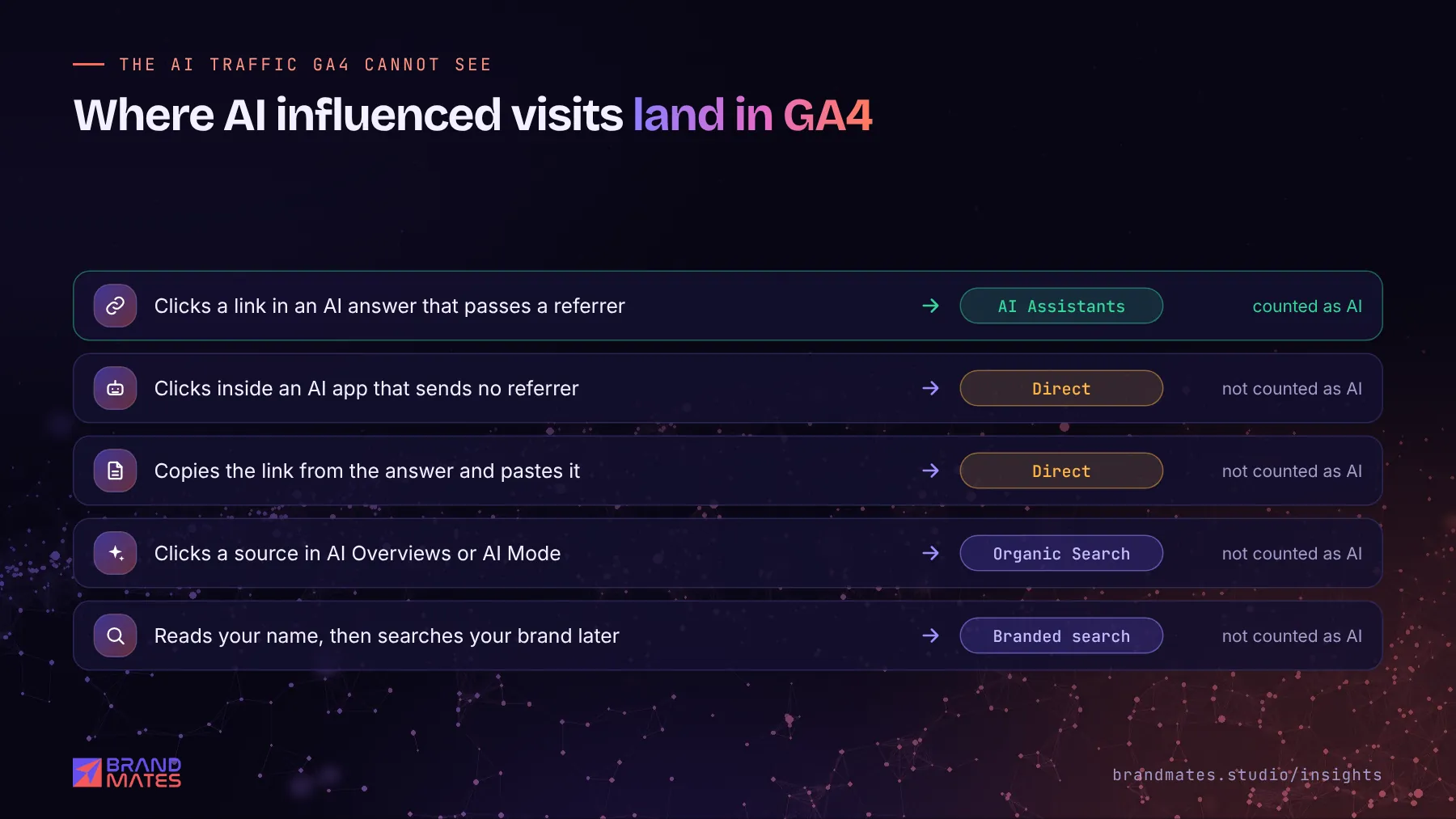
That last row is important. A lot of AI influence never produces a referral visit. A buyer sees your name in ChatGPT, then searches your brand on Google or messages you on WhatsApp. This is why analytics should be paired with direct checks of what assistants say. Our guide on how to check if ChatGPT recommends your brand shows how to run them.
For Google's own AI features, read our breakdown of Google AI Overviews and what they mean for your traffic.
Keep the report short and consistent:
| Metric | Where it comes from |
|---|---|
| AI Assistants sessions, by source | GA4 Traffic acquisition with your custom channel group |
| Top landing pages from AI assistants | Your GA4 exploration |
| Engagement rate and key events from AI | GA4 |
| Brand mention rate across your prompt set | Your manual prompt tracking sheet |
| Branded search clicks and impressions | Google Search Console |
| AI feature impressions, where available | Search Console Generative AI performance reports |
Compare each month with the same month before the work began, and add a short note on what changed on the site.
For a drone light show company, AI assistants sent no measurable visits before our work began. After six months of keyword research by occasion and city, rewritten service pages, structured data, event content and more than 45 quality backlinks, the AI channel recorded 23 visitors in one month, alongside a 320% rise in organic traffic. Without a separate channel, those visits would have disappeared into Referral. See the drone light show SEO case study.
We set up AI traffic tracking as part of every engagement, along with monthly AI visibility checks. Request a free SEO and AI visibility audit and we will show you how much AI traffic you already get and where it lands. You can also explore our AI SEO services.
Yes. Clicks from ChatGPT that carry a referrer or the utm_source=chatgpt.com parameter appear in GA4 with chatgpt.com as the source. By default they sit in the Referral channel, so a custom AI channel group makes them easier to track.
Some apps and browsers do not pass a referrer when a user clicks a link, and users sometimes copy and paste links from answers. In both cases GA4 has no source to record, so the visit is counted as Direct. This is why GA4 undercounts AI traffic.
No. Clicks from AI Overviews and AI Mode come from Google and are counted as organic search. Search Console is the place to look for Google's AI features, including the Generative AI performance reports Google began rolling out in June 2026.
It does not change the data itself. It changes how visits are grouped in reports, and custom channel groups can be applied to past date ranges, so you can see AI traffic from previous months as soon as the group is saved.
For most business websites in 2026, AI assistants still send a small share of total traffic compared with Google search. The volume matters less than the quality: watch engagement and key events from the AI channel, and track brand mentions in AI answers alongside it.
A simple, repeatable method to see whether ChatGPT, Gemini, Perplexity and Google AI answers name your business, which pages they cite and what to fix when they do not.
Read the guide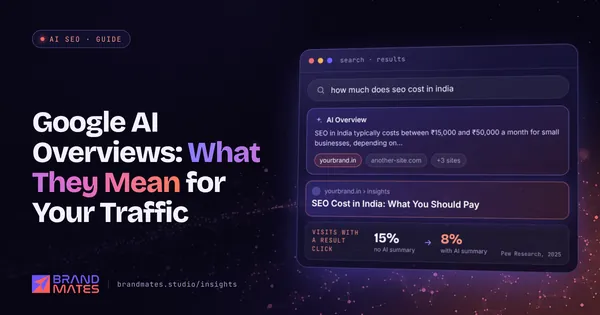
How Google AI Overviews and AI Mode choose their sources, what published studies show about lost clicks, which pages are most affected and what to do about it.
Read the guide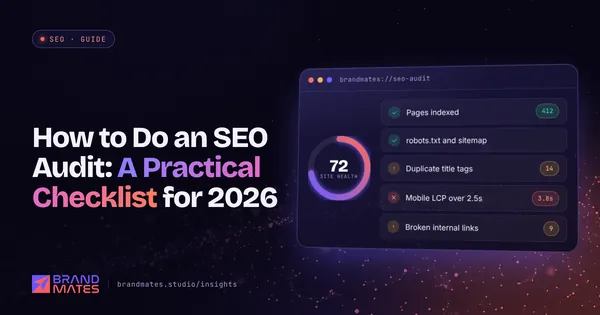
The exact checklist we use to audit a website before any SEO work begins, from indexation and speed to content gaps, links and AI search visibility.
Read the guideTell us where your brand needs to go. We'll come back with a free audit, a plan and a realistic timeline, usually within two working days.