Technical SEO Checklist for 2026
The technical checks that decide whether Google can crawl, index and load your site properly, grouped by priority with free tools for each one.
Read the guideTwenty specific checks to run on every service page, product page and article, from title tags and headings to internal links, images and structured data.
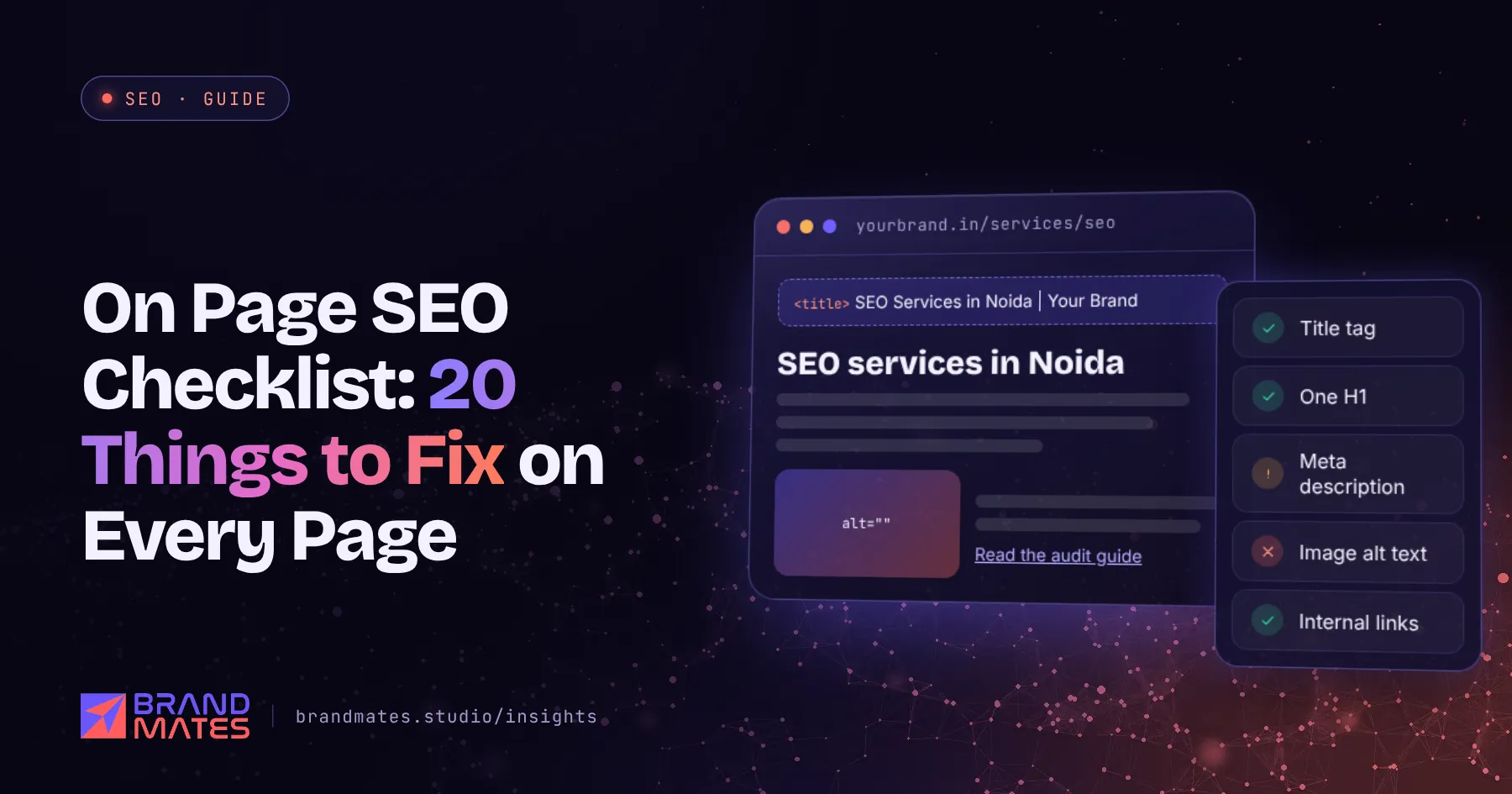
On page SEO is the part of SEO you control completely. You do not need anyone else's permission, budget for links or months of waiting. You need a clear target for each page and the discipline to get the basics right every time.
This on page SEO checklist lists twenty checks we run on every service page, product page and article. Most sites get a few of them right. Very few get all twenty right on every page. It is part of our complete SEO guide for businesses.
Every page needs a clear primary keyword and the search intent behind it. Someone searching "SEO services in Pune" wants a service page with clear offers and a way to get in touch. Someone searching "what is technical SEO" wants an explanation.
Map each keyword to one page only. When several pages target the same search, they compete with each other and none ranks well. Our keyword research guide explains how to build the map.
| Area | Checks |
|---|---|
| Search intent and keyword | 1 to 3 |
| Title tag and meta description | 4 to 6 |
| Headings and structure | 7 to 9 |
| Content | 10 to 13 |
| Internal links | 14 to 15 |
| Images | 16 to 17 |
| URL, schema and experience | 18 to 20 |
1. The page matches search intent. Search your target keyword and look at what ranks. If the top results are guides, a sales page will struggle. If they are service pages, a blog post will struggle. Match the format searchers expect.
2. The primary keyword is clear. Use it in the title tag, the H1, the first paragraph and at least one subheading, written naturally. Do not repeat it unnaturally; Google understands variations and related terms.
3. Related terms and questions are covered. A page about local SEO should naturally mention Google Business Profile, reviews, maps and location pages. Check "People also ask" and related searches for questions to answer.
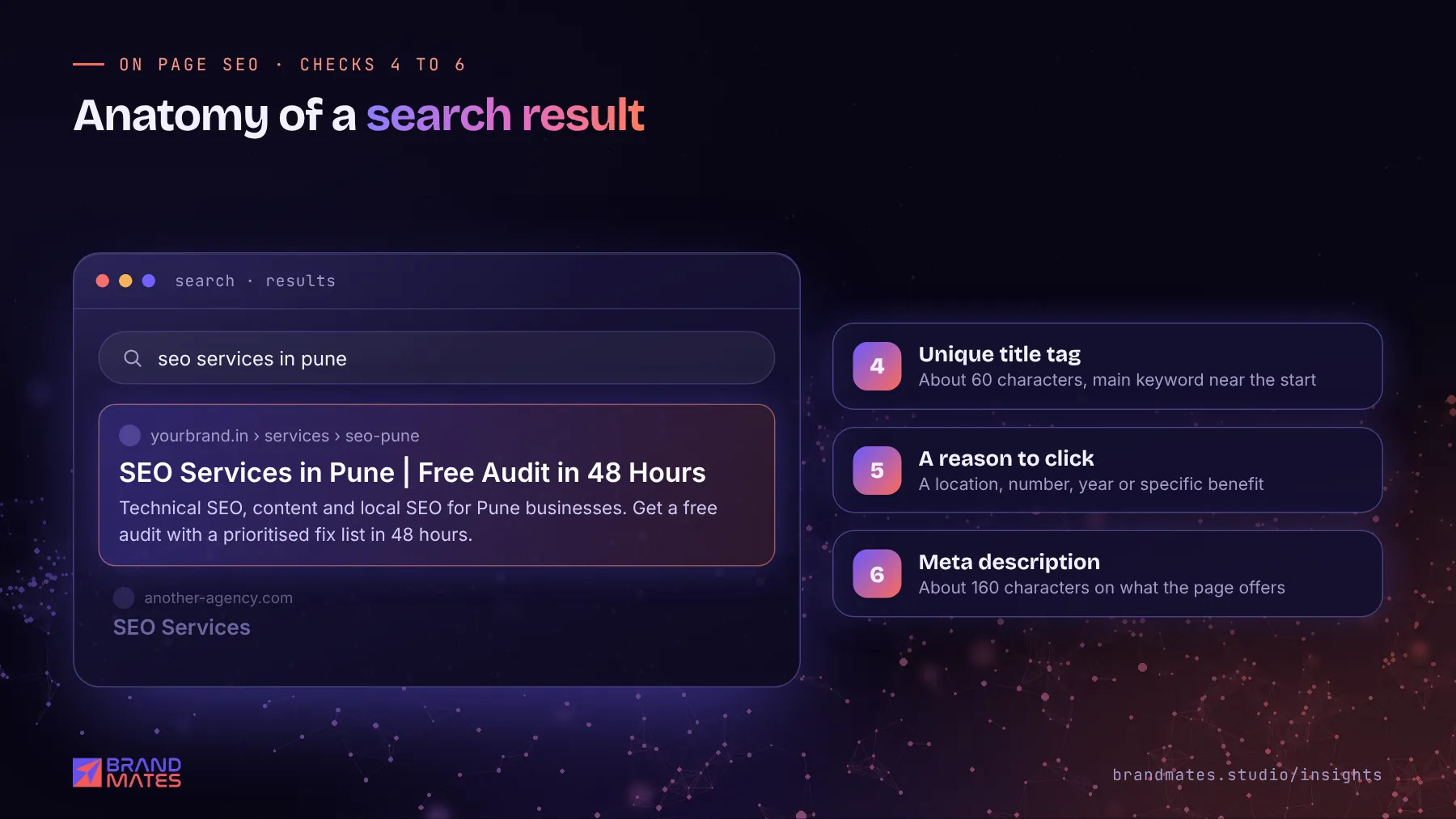
4. The title tag is unique and descriptive. Keep it within about 60 characters so it is less likely to be cut off, with the main keyword near the start. Every page needs a different title.
5. The title earns the click. Add a reason to choose your result: the year, a number, a location or a specific benefit. Compare "SEO Services" with "SEO Services in Pune | Free Audit in 48 Hours".
6. The meta description summarises the page. Within about 160 characters, explain what the page offers and why to click. Google sometimes rewrites descriptions, but a good one is still used often and improves click through rate.
7. There is one H1. It should describe the page clearly and include the main keyword. On most sites, it is the visible page title.
8. H2 and H3 headings are logical. Headings should work as an outline. A reader skimming only the headings should understand what the page covers. Do not choose heading tags just for their font size.
9. The answer comes first. Answer the main question or state the main offer in the first paragraph. Then go into detail. This helps readers, Google's featured snippets and AI assistants, which often quote the clearest direct answer on a page.
Not sure what is holding your site back?We check technical health, content, competitors and AI visibility, then send a prioritised fix list within two working days.
10. The content fully answers the search. It covers what the searcher needs to know or decide, with nothing important missing. Look at the top results and ask what your page adds that theirs does not.
11. It shows real experience. Include specific examples, real numbers, prices, timelines, photos, case studies and the reasoning behind your advice. Google's guidance on helpful content emphasises experience and expertise, and specific details are what make a page more useful than generic ones.
12. It is easy to read. Short paragraphs, plain language, bullet points and tables where they help. Most visitors read on a phone.
13. It is accurate and current. Update pages when prices, laws, products or facts change. Show the date an article was last updated.
Writing pages that are clear enough for AI assistants to quote follows the same principles. We cover that in how to write content that AI assistants quote.
14. The page links to related pages. A service page should link to relevant case studies and articles. An article should link to the service page it supports. Use descriptive anchor text such as "local SEO services", not "click here".
15. Other pages link to it. Important pages should receive internal links from related content and from navigation. A page with no internal links is hard for both visitors and Google to find.
16. Images have descriptive file names and alt text. drone-light-show-wedding-jaipur.webp is more useful than IMG_4821.jpg. Alt text should describe the image for people who cannot see it, and can include a keyword where it fits naturally.
17. Images are compressed and sized correctly. Use WebP or AVIF, resize images to their display size and set width and height to prevent layout shift. Large images are one of the most common reasons pages load slowly. Our guide to fixing Core Web Vitals on WordPress covers this in detail.
18. The URL is short and descriptive. /services/local-seo/ is better than /page-id-482/ or /our-amazing-local-seo-services-in-india-2026/. Avoid changing URLs of pages that already rank unless you redirect them.
19. Structured data is added where relevant. Use Article schema on articles, Product schema on products, LocalBusiness or Organization schema for your business and BreadcrumbList on deeper pages. Check it with Google's Rich Results Test. Note that Google stopped showing FAQ rich results in May 2026, so add FAQ markup for clarity, not for a special listing.
20. The page works well on mobile and has a clear next step. It loads quickly, text is readable without zooming and there is an obvious call to action: call, WhatsApp, request a quote or buy. Ranking is only useful if visitors take action.
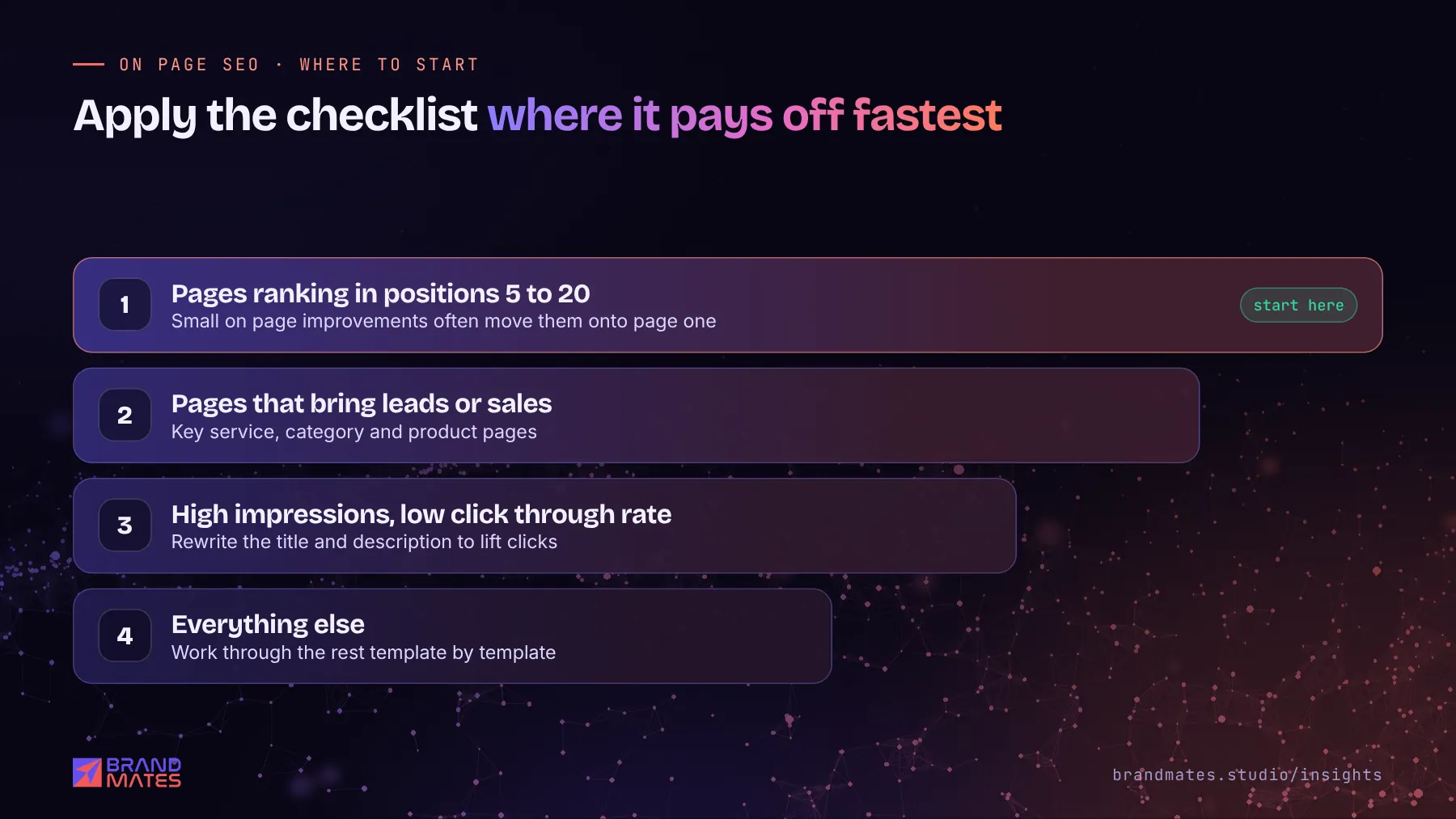
Do not try to fix every page at once. Start where it pays off fastest:
On one Shopify store, keyword mapping across product and collection pages, combined with technical fixes and schema, helped grow organic search users from 172 to 3,286 a month, comparing August 2026 with February 2026 in GA4. See the Shopify SEO case study.
On page work sits alongside technical health and authority. Use our technical SEO checklist and SEO audit checklist to cover the rest.
If you want specialists to review your key pages against this checklist, request a free SEO audit and we will send page by page recommendations. Our SEO services include ongoing on page optimisation, and our content marketing team writes pages built to rank and convert.
On page SEO is the work of optimising individual pages so they rank for their target searches. It covers search intent, keywords, title tags, meta descriptions, headings, content, internal links, images, URLs and structured data.
On page SEO covers everything on your own pages that you control directly. Off page SEO covers signals from outside your site, mainly backlinks and brand mentions from other websites.
There is no ideal word count. A page should be long enough to fully answer the search and no longer. Look at what ranks for your keyword: some searches need a short, direct answer, while others need a detailed guide.
Target one primary keyword per page, along with its close variations and related terms. Trying to rank one page for several unrelated keywords usually means it ranks well for none of them.
Meta descriptions are not a direct ranking factor. They do affect how many people click your result, and a higher click through rate brings more visitors from the same ranking position.
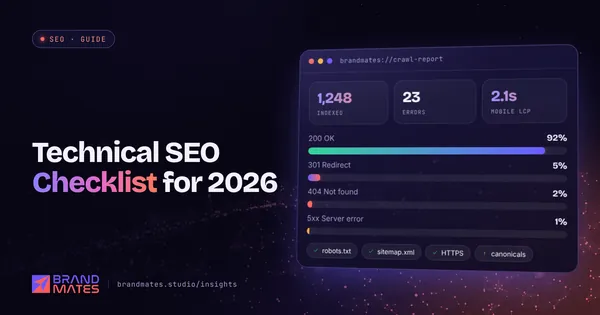
The technical checks that decide whether Google can crawl, index and load your site properly, grouped by priority with free tools for each one.
Read the guide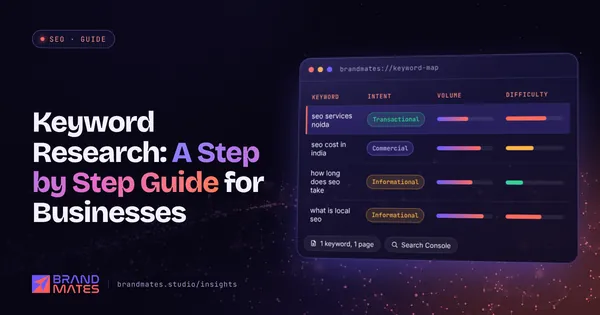
How to find the searches your buyers actually make, sort them by intent, map each one to the right page and decide what to target first.
Read the guide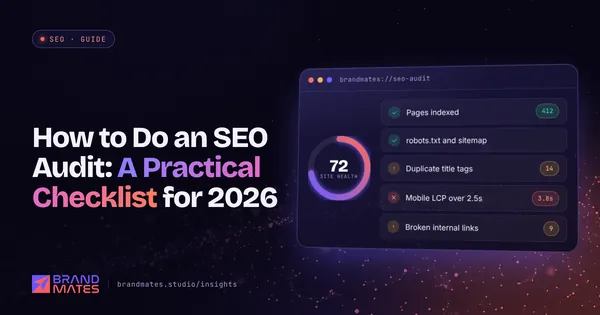
The exact checklist we use to audit a website before any SEO work begins, from indexation and speed to content gaps, links and AI search visibility.
Read the guideTell us where your brand needs to go. We'll come back with a free audit, a plan and a realistic timeline, usually within two working days.