Technical SEO Checklist for 2026
The technical checks that decide whether Google can crawl, index and load your site properly, grouped by priority with free tools for each one.
Read the guideThe exact checklist we use to audit a website before any SEO work begins, from indexation and speed to content gaps, links and AI search visibility.
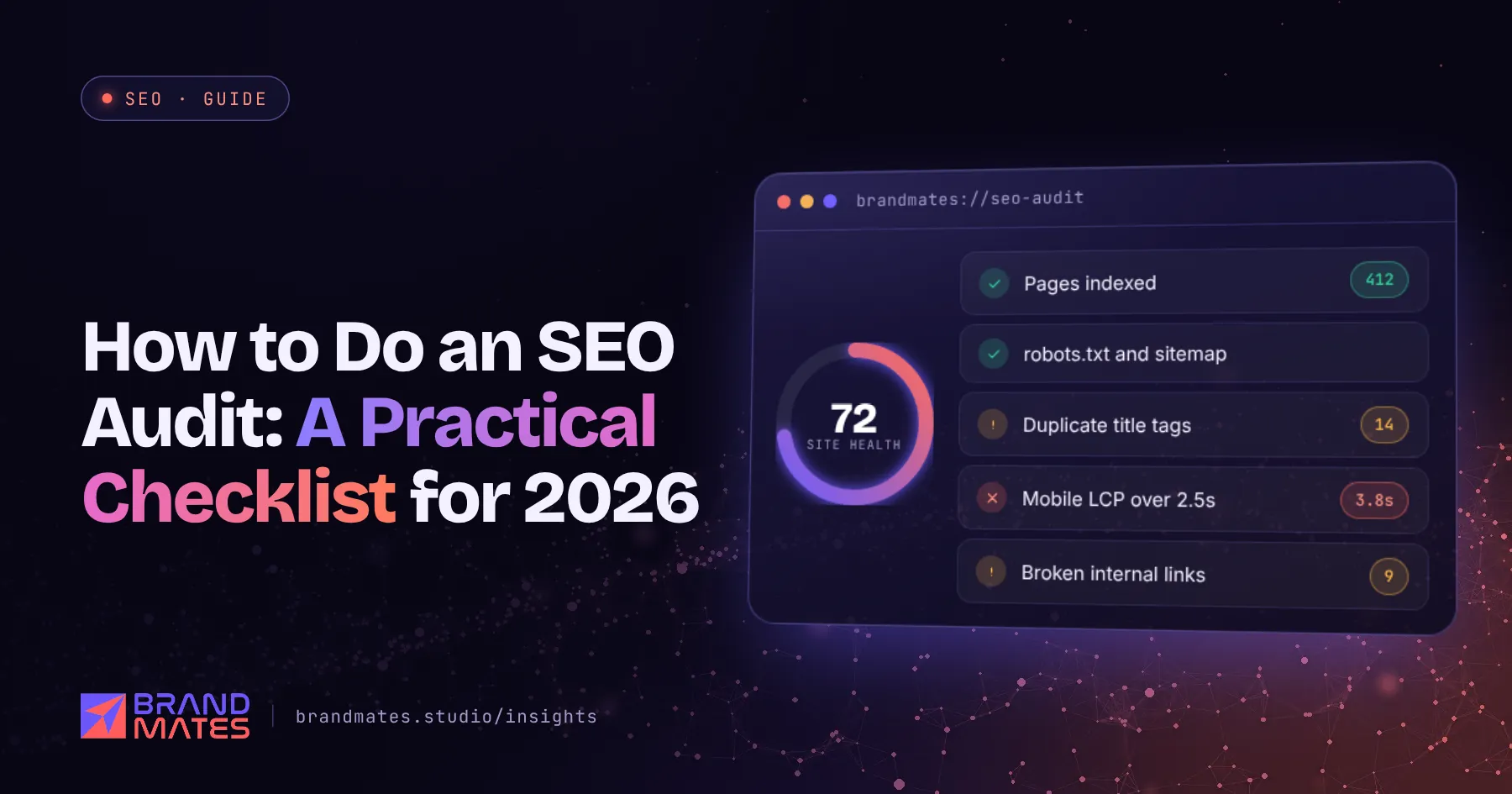
An SEO audit answers one question: what is stopping this website from getting more organic traffic and leads?
Without an audit, SEO work is guesswork. Teams write blog posts while the real problem is a robots.txt line blocking half the site, or they build links while every product page has the same title tag.
This SEO audit checklist is the same structure we use at BrandMates Studio before any engagement begins. You can follow it yourself with free tools. It is part of our complete SEO guide for businesses.
| Tool | Cost | What it is for |
|---|---|---|
| Google Search Console | Free | Indexation, search performance, errors |
| Google Analytics 4 | Free | Traffic, engagement, conversions |
| PageSpeed Insights | Free | Core Web Vitals and speed |
| Screaming Frog SEO Spider | Free up to 500 URLs | Crawling the site for technical and on page issues |
| Rich Results Test | Free | Checking structured data |
| Ahrefs or Semrush | Paid, with limited free versions | Backlinks, keywords, competitors |
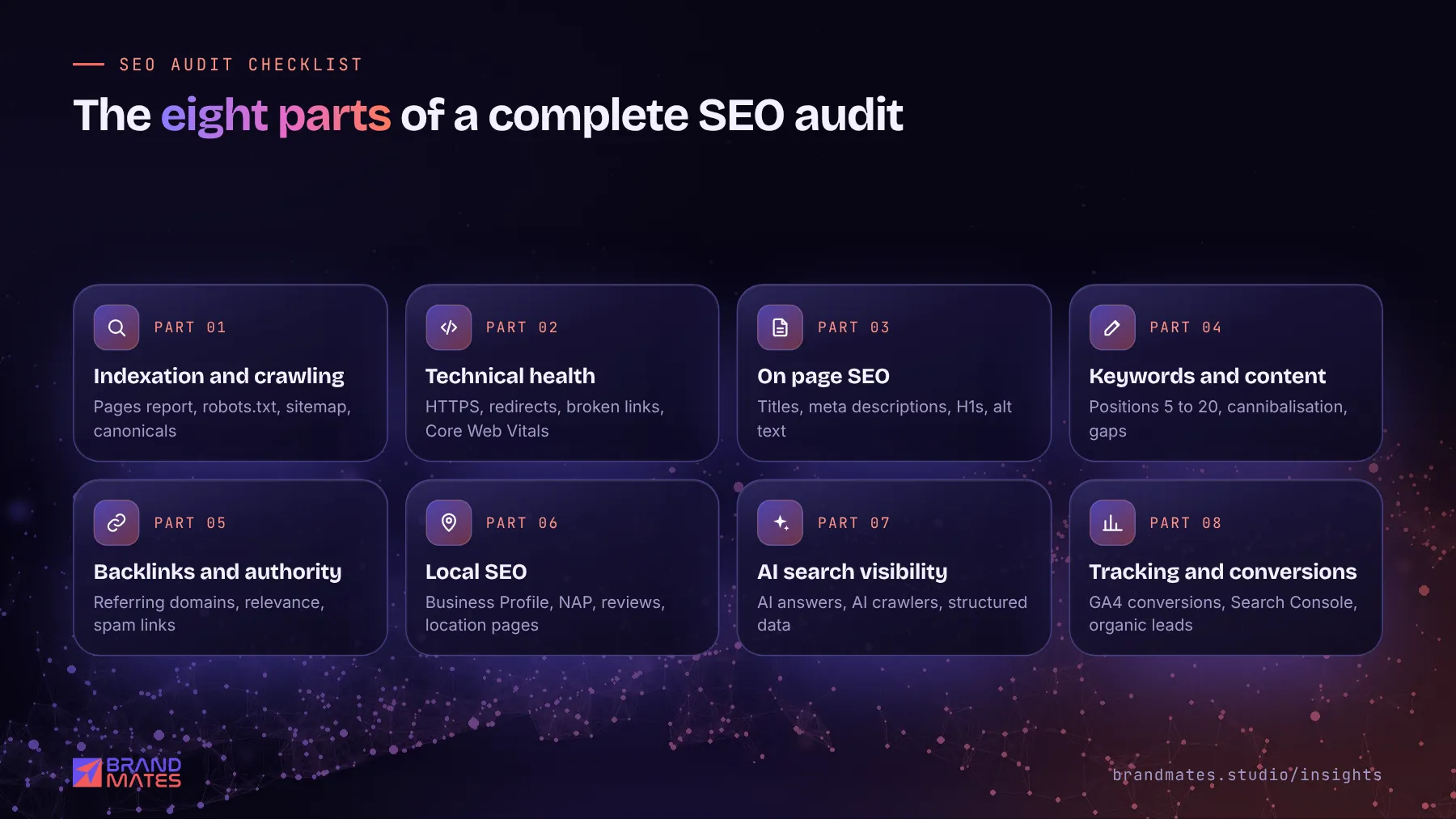
Start here, because nothing else matters if Google cannot find and index your pages.
site:yourdomain.com in Google. Roughly how many results appear? Do important pages show up?Our full technical SEO checklist goes deeper, but in an audit check these first:
Speed problems are common and often fixable without a rebuild. We explain how in how to fix Core Web Vitals on WordPress.
Export the crawl from Screaming Frog and check:
For each important page, also check whether it has a clear target keyword. Our on page SEO checklist lists twenty checks for every page.
Our keyword research guide explains how to build a full keyword map once the gaps are clear.
Not sure what is holding your site back?We check technical health, content, competitors and AI visibility, then send a prioritised fix list within two working days.
If authority is the gap, read our link building guide before buying anything.
This is the part most audits still skip.
The full framework is in our AI SEO guide.
If the answer to the last question is no, fix tracking before anything else. Without it, you cannot prove whether SEO works.
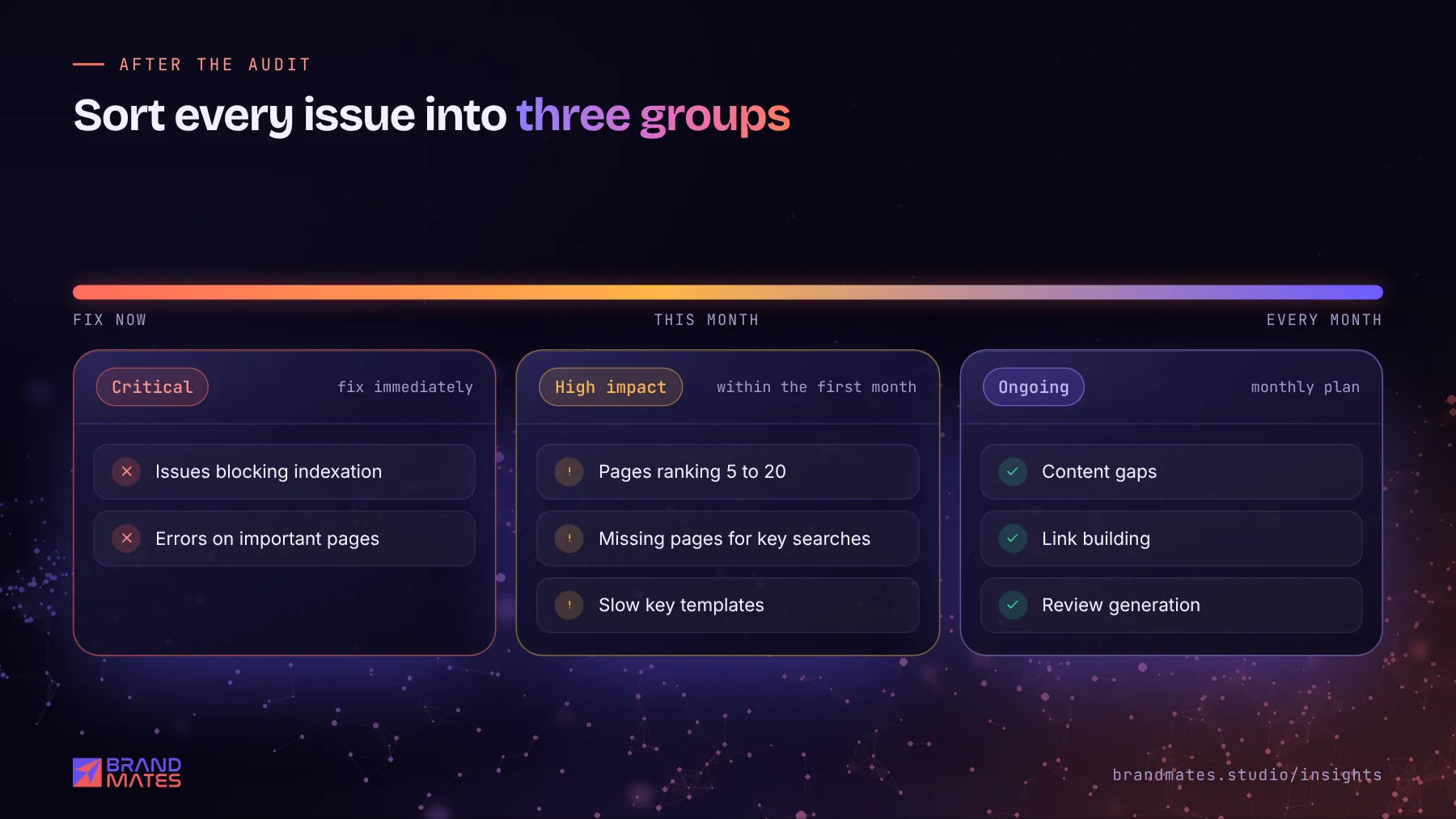
An audit usually produces a long list. Sort it into three groups:
On one industrial manufacturer's site, the audit showed that product pages lacked heading structure, schema and internal links between related grades, while mobile LCP was failing on a key page. Fixing structure first and performance second set up everything that followed. See the industrial B2B SEO case study.
If you would rather have specialists run it, we offer a free SEO and AI visibility audit covering every section above, delivered within two working days with a prioritised list of fixes. You can also see what our ongoing SEO services include.
A basic audit of a small website can be done in a few hours. A thorough audit of a large site or online store, including competitor analysis and a prioritised action plan, usually takes several days.
A full audit once or twice a year is sensible, plus a quick monthly check of Search Console for new errors. Always audit before and after a website redesign or migration.
Yes. Google Search Console, Google Analytics 4, PageSpeed Insights and the free version of Screaming Frog cover most of what a small business needs. Paid tools mainly add backlink and competitor data.
In our experience, the most common issues are duplicate or missing title tags, pages that are not indexed, slow mobile performance and several pages competing for the same keyword.
Fix critical issues first, then high impact opportunities, then build the remaining items into a monthly plan. Re check Search Console a few weeks after fixes to confirm Google has processed them.
The technical checks that decide whether Google can crawl, index and load your site properly, grouped by priority with free tools for each one.
Read the guide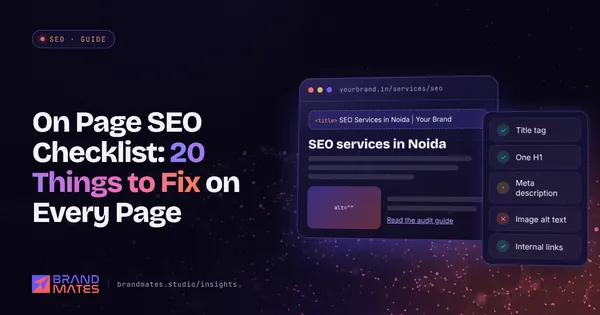
Twenty specific checks to run on every service page, product page and article, from title tags and headings to internal links, images and structured data.
Read the guide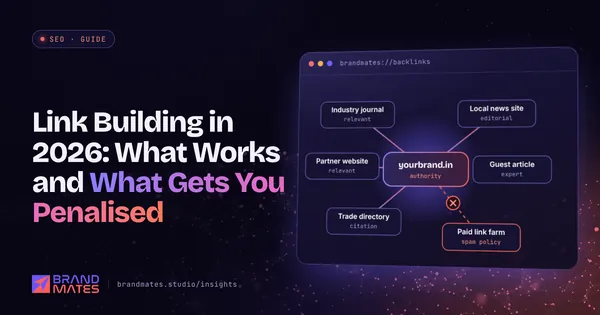
How to earn backlinks that build real authority, what Google's spam policies say about link schemes, and the tactics that put your site at risk.
Read the guideTell us where your brand needs to go. We'll come back with a free audit, a plan and a realistic timeline, usually within two working days.