On Page SEO Checklist: 20 Things to Fix on Every Page
Twenty specific checks to run on every service page, product page and article, from title tags and headings to internal links, images and structured data.
Read the guideThe technical checks that decide whether Google can crawl, index and load your site properly, grouped by priority with free tools for each one.
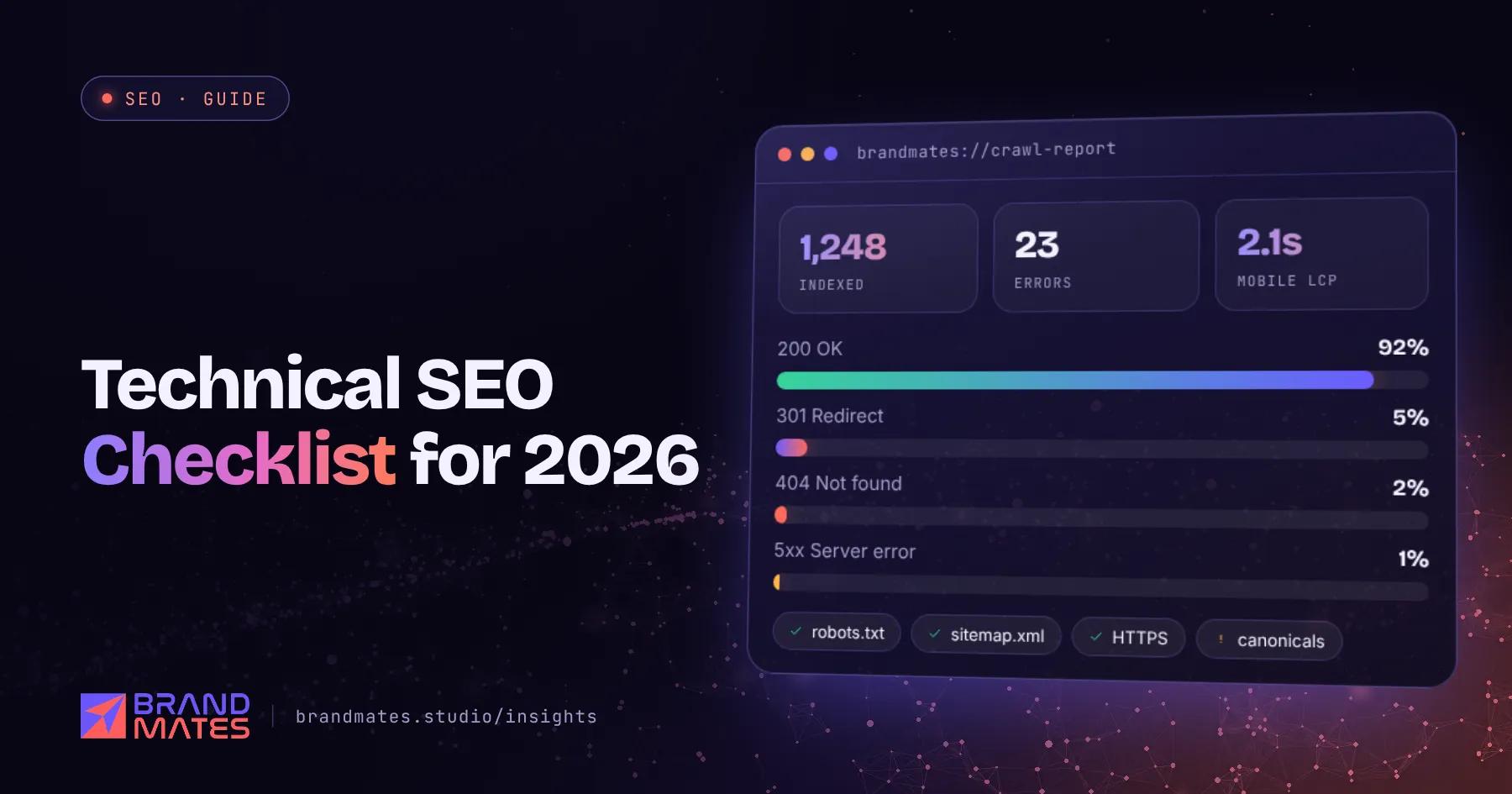
You can write the most useful page in your industry and still never rank, if Google cannot crawl it, index it or load it properly on a phone.
That is what technical SEO is about. This technical SEO checklist covers the checks we run on every site before content or link building starts, grouped into eight areas and sorted by priority. It is part of our complete SEO guide for businesses, and every check can be done with free tools.
Technical SEO is the work that lets search engines find, understand and serve your pages. It does not make content better. It makes sure good content is not held back.
| Area | Question it answers | Main free tool |
|---|---|---|
| Crawling | Can Google find every important page? | Screaming Frog, robots.txt report |
| Indexation | Are the right pages in Google's index? | Search Console Pages report |
| Site architecture | Are important pages close to the homepage? | Screaming Frog crawl depth |
| Speed and Core Web Vitals | Do pages load fast and stay stable? | PageSpeed Insights |
| Mobile | Does the site work properly on phones? | Real devices, Lighthouse |
| Security and versions | Is there one secure version of the site? | Browser, crawl |
| Redirects and canonicals | Do old URLs and duplicates point the right way? | Screaming Frog |
| Structured data | Do search engines understand what each page is? | Rich Results Test |
If you are not sure where your site stands, run a full SEO audit first. This checklist goes deeper into the technical part of that audit.
Google discovers pages by following links and reading sitemaps. If it cannot reach a page, nothing else matters.
yourdomain.com/robots.txt and the robots.txt report in Search Console.A clean robots.txt for most business websites looks something like this:
User-agent: *
Disallow: /wp-admin/
Allow: /wp-admin/admin-ajax.php
Disallow: /cart/
Disallow: /checkout/

Sitemap: https://www.example.com/sitemap.xml/services/local-seo/ rather than /page?id=482.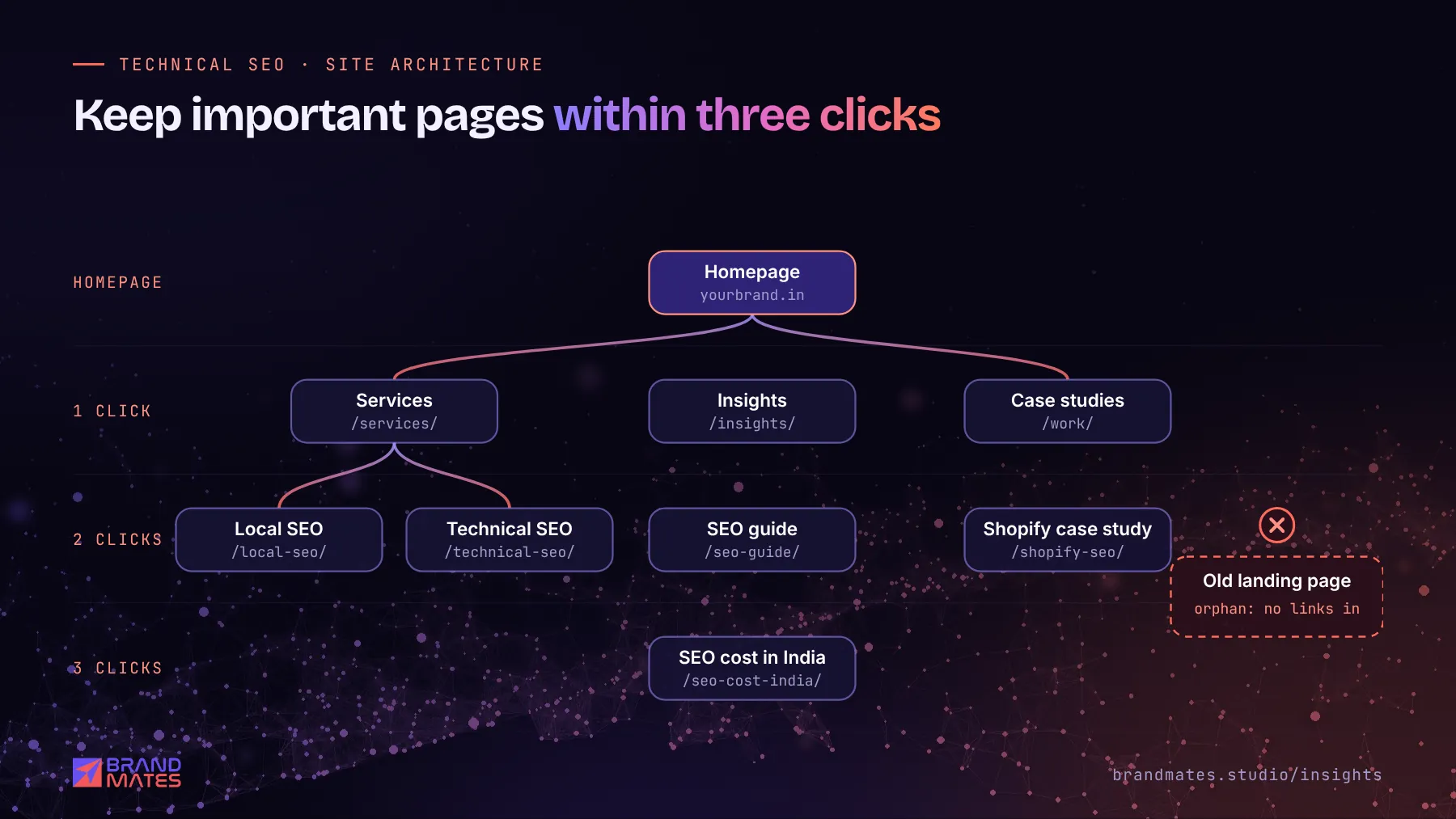
Good architecture also helps visitors. A clear structure of services, categories and supporting articles is what our on page SEO checklist builds on.
Google's Core Web Vitals measure real user experience. A page passes when at least 75% of visits meet the "good" threshold.
| Metric | What it measures | Good |
|---|---|---|
| Largest Contentful Paint (LCP) | How quickly the main content loads | 2.5 seconds or less |
| Interaction to Next Paint (INP) | How quickly the page responds to taps and clicks | 200 milliseconds or less |
| Cumulative Layout Shift (CLS) | How much the layout jumps while loading | 0.1 or less |
INP replaced First Input Delay as a Core Web Vital in March 2024, so older audits that only mention FID are out of date.
Checks:
Most speed problems on WordPress can be fixed without a rebuild. Our guide to fixing Core Web Vitals on WordPress explains how.
Google uses mobile first indexing, which means it evaluates the mobile version of your site for ranking.
Not sure what is holding your site back?We check technical health, content, competitors and AI visibility, then send a prioritised fix list within two working days.
/services and /services/ should not both return a 200.Redirects matter most during a rebuild or domain change. If you are planning one, read our website migration SEO guide before launch day.
Structured data, or schema markup, tells search engines what a page represents: an organisation, a service, a product, an article, a set of questions.
Be realistic about rich results. Google removed HowTo rich results in 2023 and stopped showing FAQ rich results in May 2026, so add FAQ markup for clarity, not for a special listing. Structured data also helps AI systems understand your content, which we cover in schema markup for AI search.
AI assistants use their own crawlers. If your robots.txt blocks them, your pages cannot be cited in ChatGPT search or Perplexity answers.
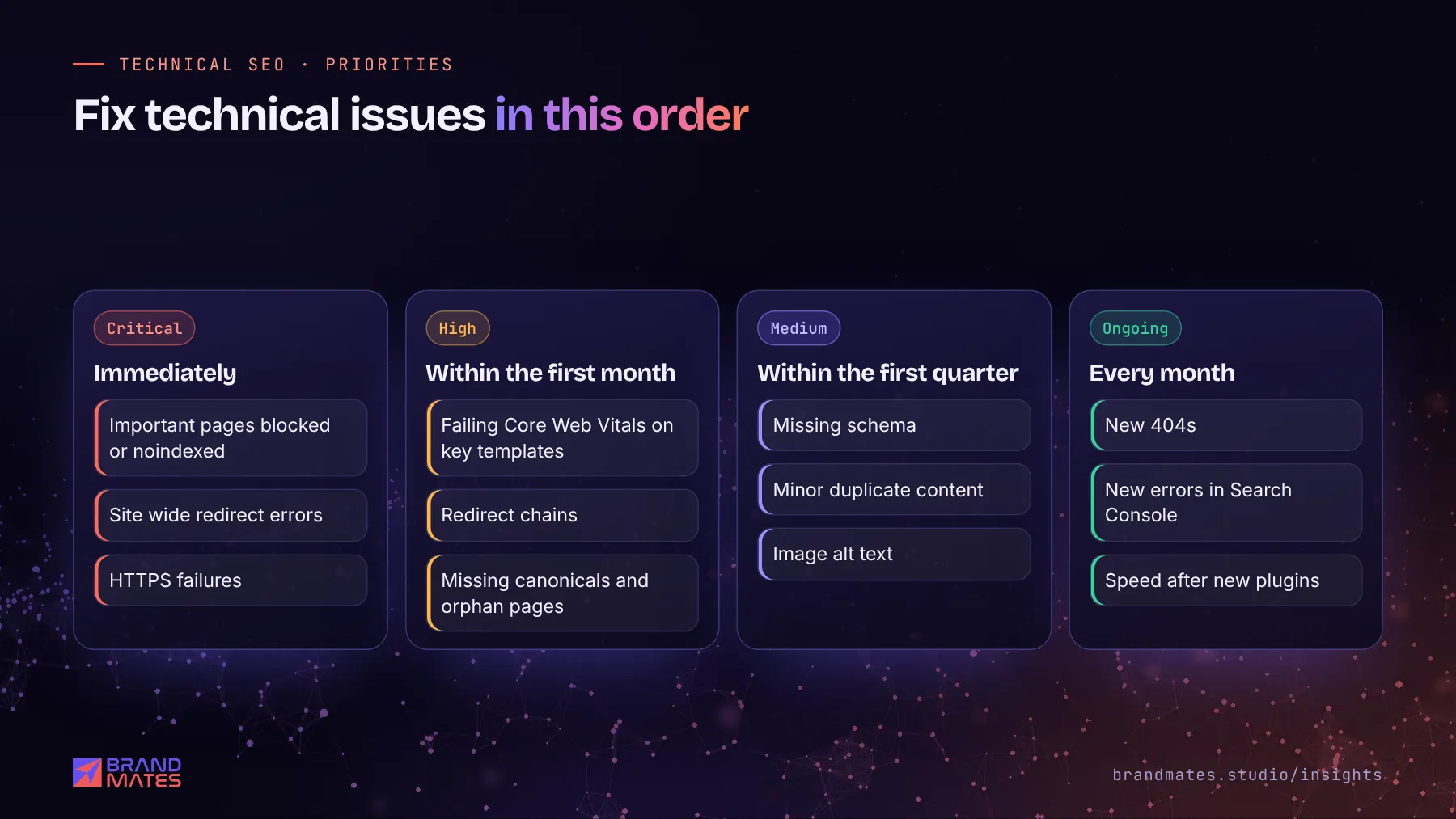
| Priority | Examples | When to fix |
|---|---|---|
| Critical | Important pages blocked or noindexed, site wide redirect errors, HTTPS failures | Immediately |
| High | Failing Core Web Vitals on key templates, redirect chains, missing canonicals, orphan pages | Within the first month |
| Medium | Missing schema, minor duplicate content, image alt text | Within the first quarter |
| Ongoing | New 404s, new errors in Search Console, speed after new plugins | Monthly |
On one industrial manufacturer's WordPress site, mobile LCP on a key page was 4.1 seconds. By fixing configuration rather than rebuilding, we brought it to 2.3 seconds, inside Google's "good" threshold. See the industrial B2B SEO case study.
Technical issues are often invisible until someone looks for them. If you want specialists to check your site, request a free SEO audit and we will send a prioritised list of technical fixes. You can also see how technical work fits into our ongoing SEO services.
Technical SEO is the work that helps search engines crawl, index and load your website properly. It covers robots.txt, sitemaps, site speed, mobile usability, HTTPS, redirects, canonical tags and structured data.
Check Search Console for new errors every month, and run a full technical crawl every three to six months. Always run one before and after a redesign, a platform change or a large batch of new pages.
Many checks can be done without one, using Search Console, PageSpeed Insights and a crawler. Fixes involving server settings, templates, JavaScript or redirects at scale usually need a developer or an SEO specialist with development experience.
They do different jobs. Technical SEO makes sure pages can be found and loaded, while content gives them a reason to rank. A technically perfect site with weak content will not rank, and neither will great content on a site Google cannot crawl.
Fix anything that stops important pages from being crawled or indexed first, such as robots.txt blocks, noindex tags or broken redirects. Then move on to speed, canonicals and structured data.
Twenty specific checks to run on every service page, product page and article, from title tags and headings to internal links, images and structured data.
Read the guide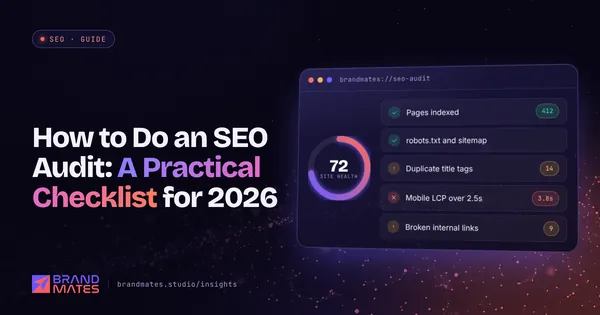
The exact checklist we use to audit a website before any SEO work begins, from indexation and speed to content gaps, links and AI search visibility.
Read the guide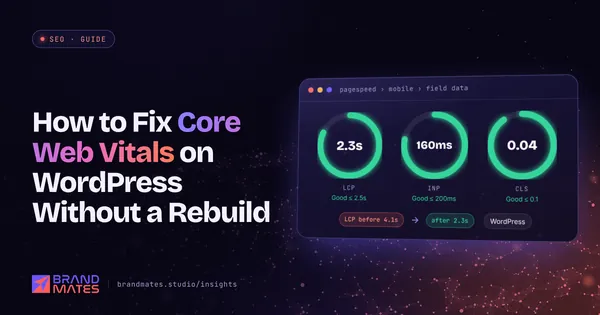
A practical, step by step way to improve LCP, INP and CLS on an existing WordPress site, starting with the fixes that usually make the biggest difference.
Read the guideTell us where your brand needs to go. We'll come back with a free audit, a plan and a realistic timeline, usually within two working days.